Fact sheet
- App name: Game Emulator: GamePod Emu
- Developer: Aytek Sokmen
- Platform: iPhone & iPad (iOS 18.6+, universal app) and Android 8.0+
- Price: Free download with optional Pro in-app purchases
- Rating: 4.7 ★ across 7,300+ App Store ratings (US)
- Released: October 2025
- Languages: 21, including English, German, French, Spanish, Japanese, Korean and Turkish
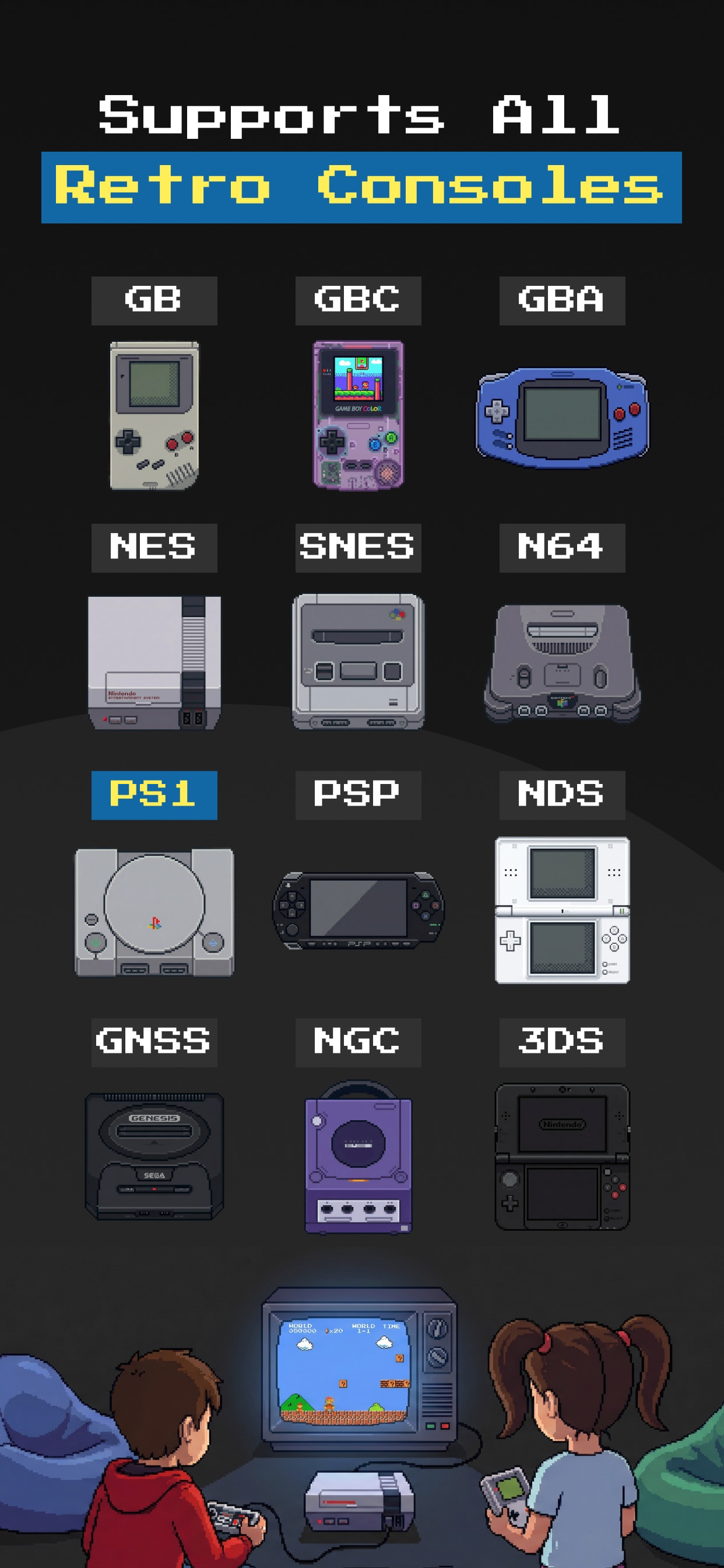
- Supported systems (12): Game Boy, Game Boy Color, Game Boy Advance, NES, SNES, Nintendo 64, PlayStation 1, PSP, Nintendo DS, Nintendo 3DS, Sega Genesis, GameCube
- App Store: apps.apple.com/us/app/id6753882447
- Google Play: play.google.com/store/apps/details?id=space.hopetech.gamepod
Boilerplate
GamePod Emu is an all-in-one retro game emulator for iPhone, iPad and Android, available free on the App Store and Google Play. It plays twelve classic systems — from the Game Boy and NES to PlayStation 1, PSP, Nintendo 3DS and GameCube — in a single pixel-art library, with save states, turbo mode, haptic touch controls and native support for Xbox and PlayStation Bluetooth controllers. GamePod includes no game files: players import backups of the games they legally own through the Files app on iOS or their file manager on Android. No jailbreak, root or sideloading is required.
What makes it notable
- GameCube and 3DS from the official App Store — systems most iOS emulators don't cover without sideloading.
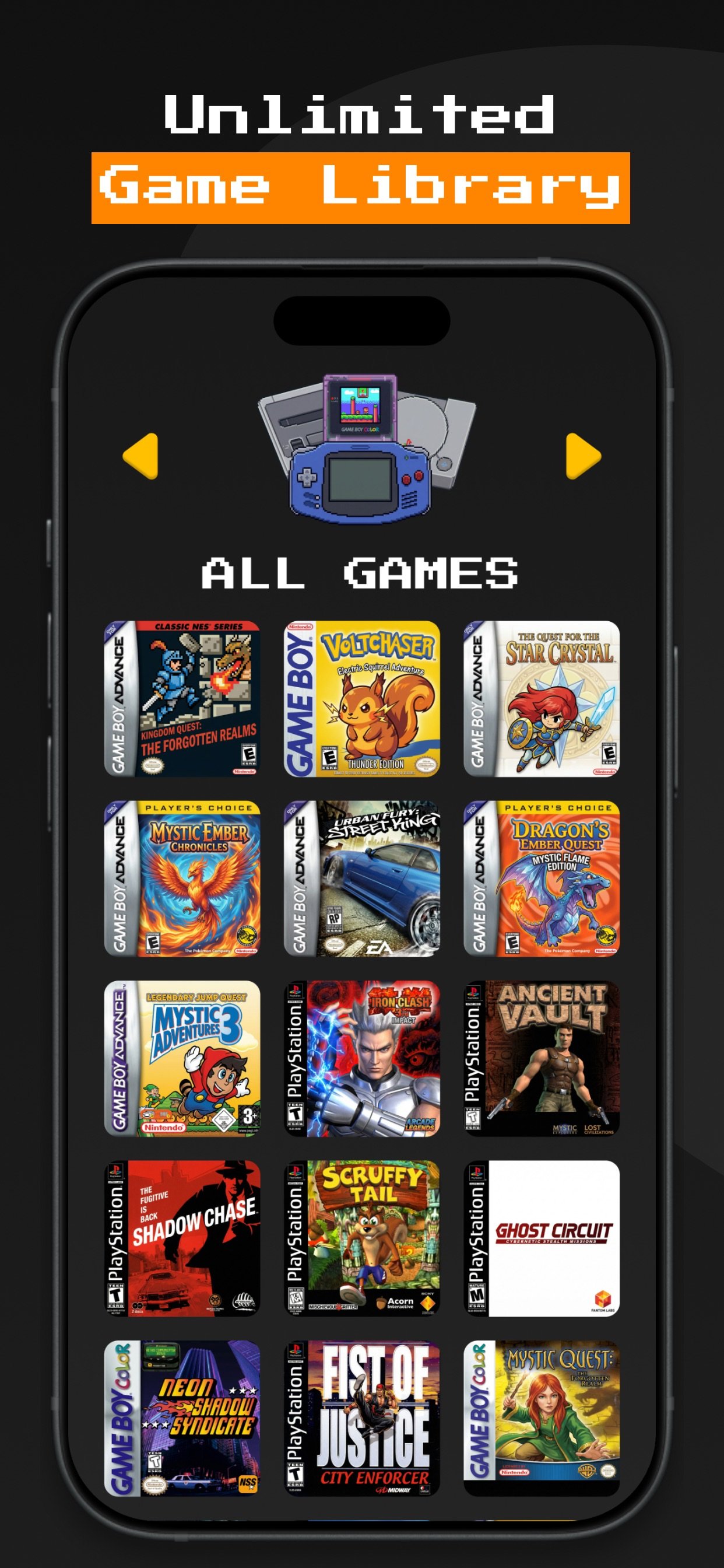
- One library instead of five apps — a console switcher with pixel-art cover art organizes every imported game.
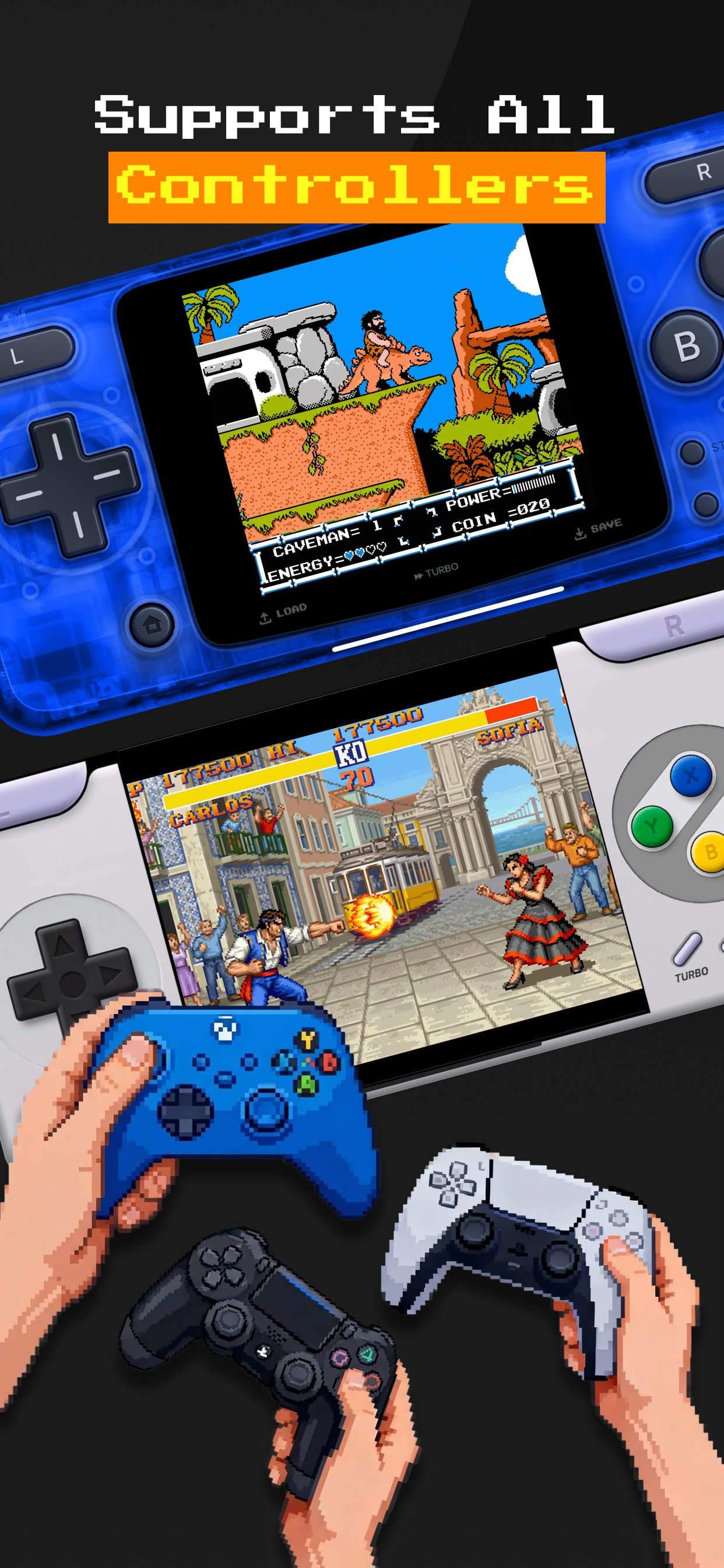
- Modern conveniences on 90s games — save anywhere, auto-save, turbo fast-forward and full controller support.
Assets
Right-click / long-press to save. Higher-resolution originals are linked directly.
- App icon — 1024×1024 PNG
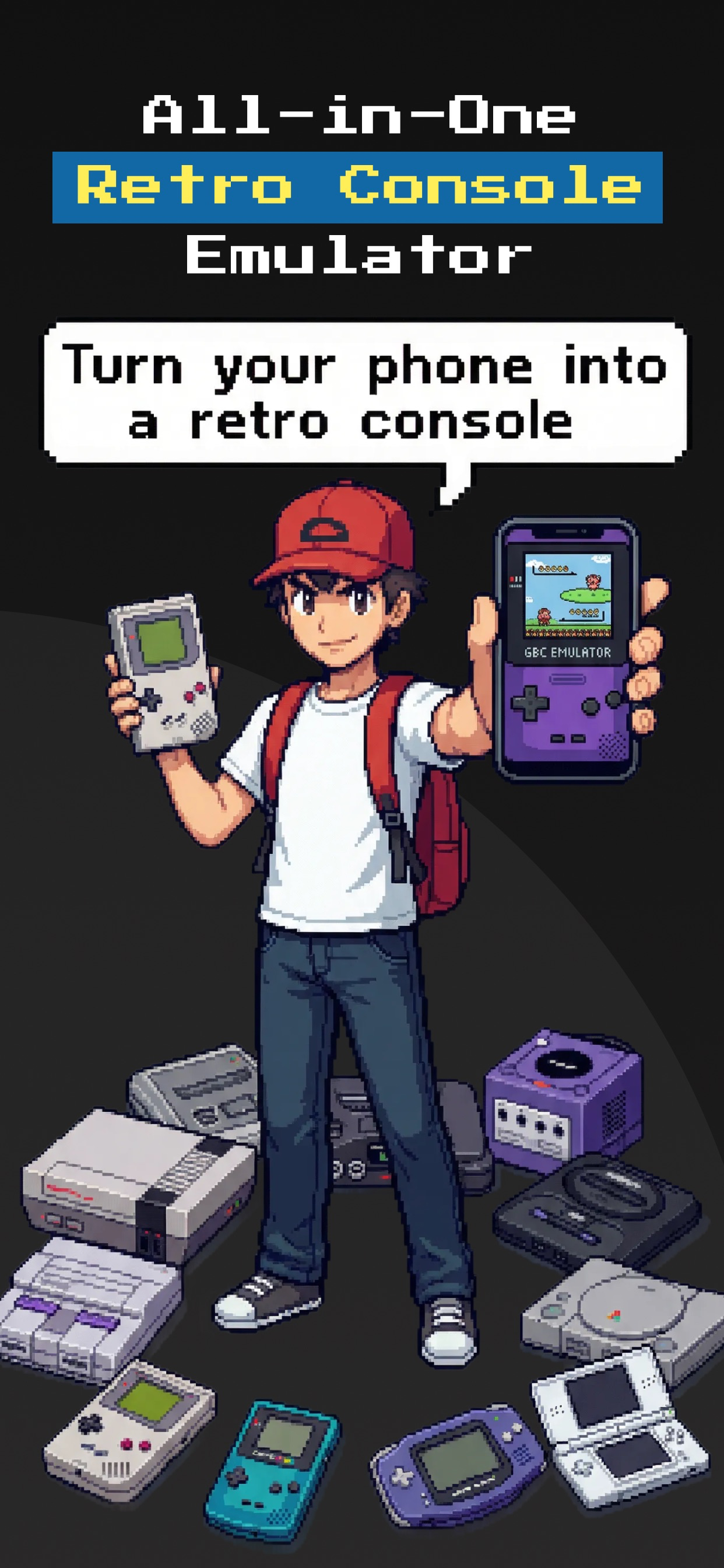
- Screenshot 1 — "Turn your phone into a retro console" (1242×2688 PNG)
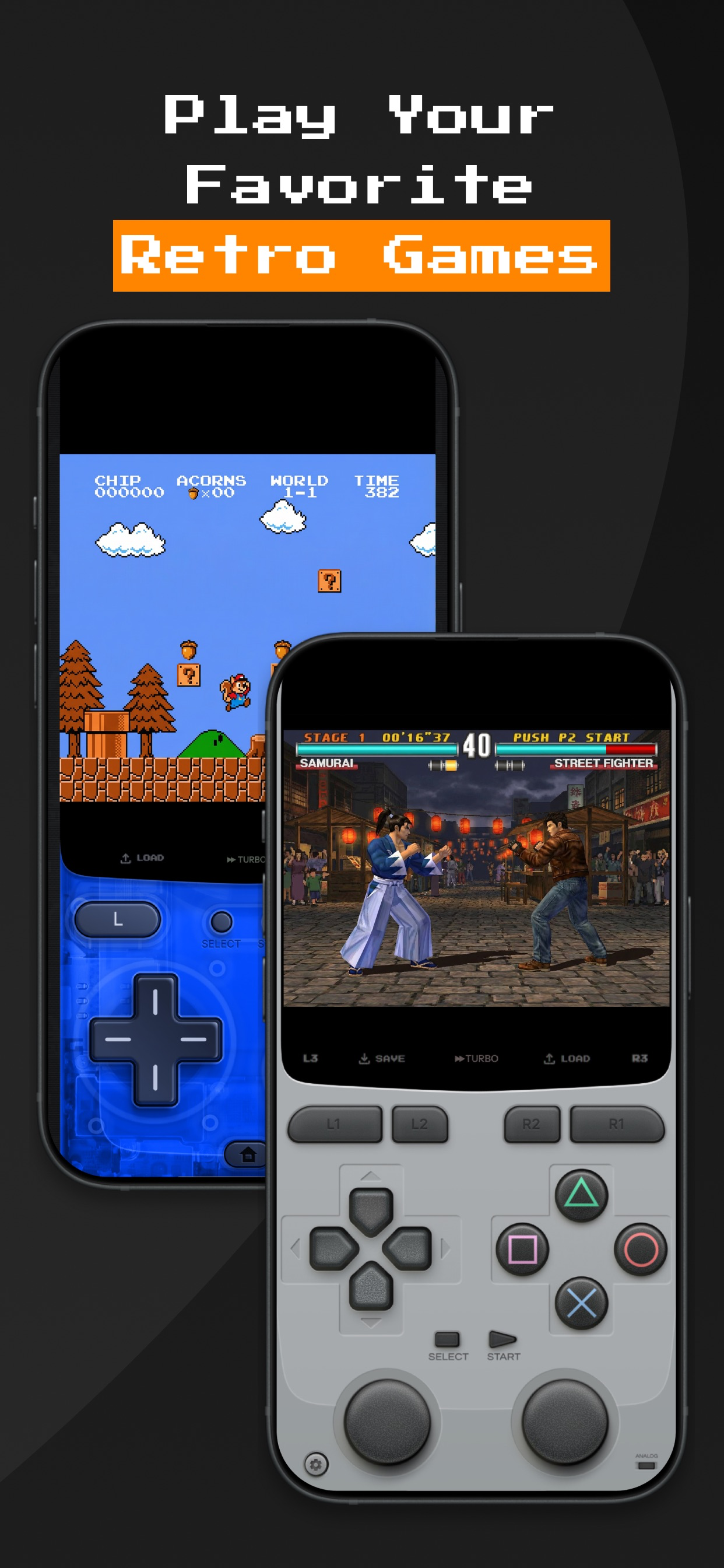
- Screenshot 2 — Gameplay with touch controller skins (1242×2688 PNG)
- Screenshot 3 — 12 supported systems (1242×2688 PNG)
- Screenshot 4 — Game library with cover art (1242×2688 PNG)
- Screenshot 5 — Xbox & PlayStation controller support (1242×2688 PNG)
Media contact
For review codes, interviews or additional materials, reach the developer via the App Store developer page or the support links listed on the app's store listing.